-
Commissions & Fees
-
Investment Offerings
-
Trading Platforms
-
Customer Service
-
Education and Research
-
Trustworthiness
Success in trading, investing, and finance hinges on accessing the right tools.
TradingView and Finviz are two popular trading platforms that deliver comprehensive features for traders and investors. Both services provide real-time data and analytics, charting tools, and market research capabilities.
However, they differ in several key aspects, including user interface design, pricing models, and target demographics.
In this article, we’ll compare TradingView and Finviz to help you determine which platform best suits your trading requirements.
First, let’s examine the core features each platform offers:
Comparison Table:
| Features | TradingView | Finviz |
| Charting Tools | Yes | Yes |
| Technical Indicators | 100+ | 100+ |
| Stock Scanner | Yes | Yes |
| Social Community | Yes | No |
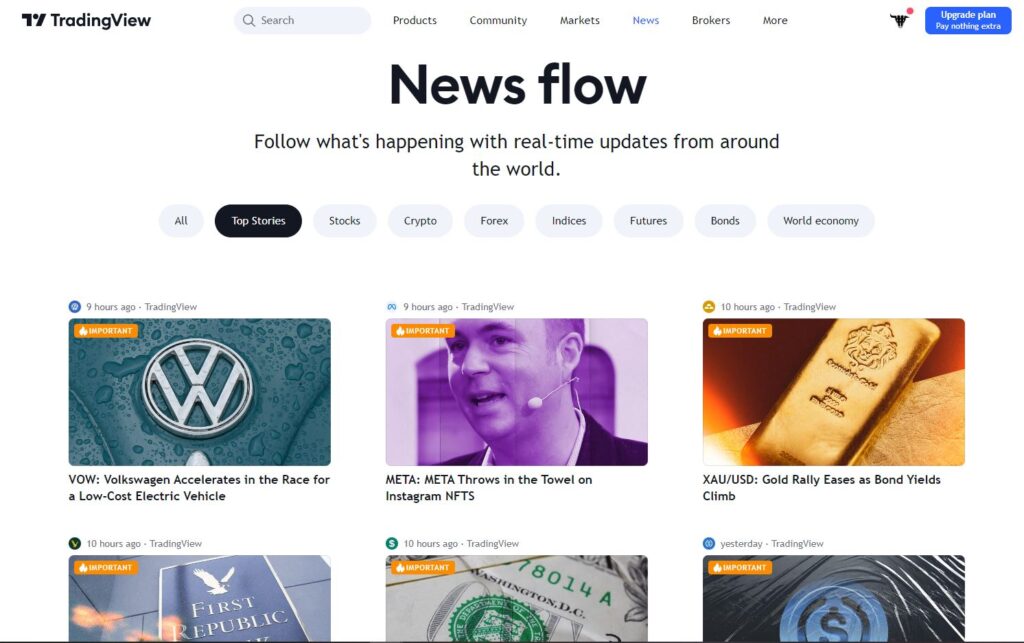
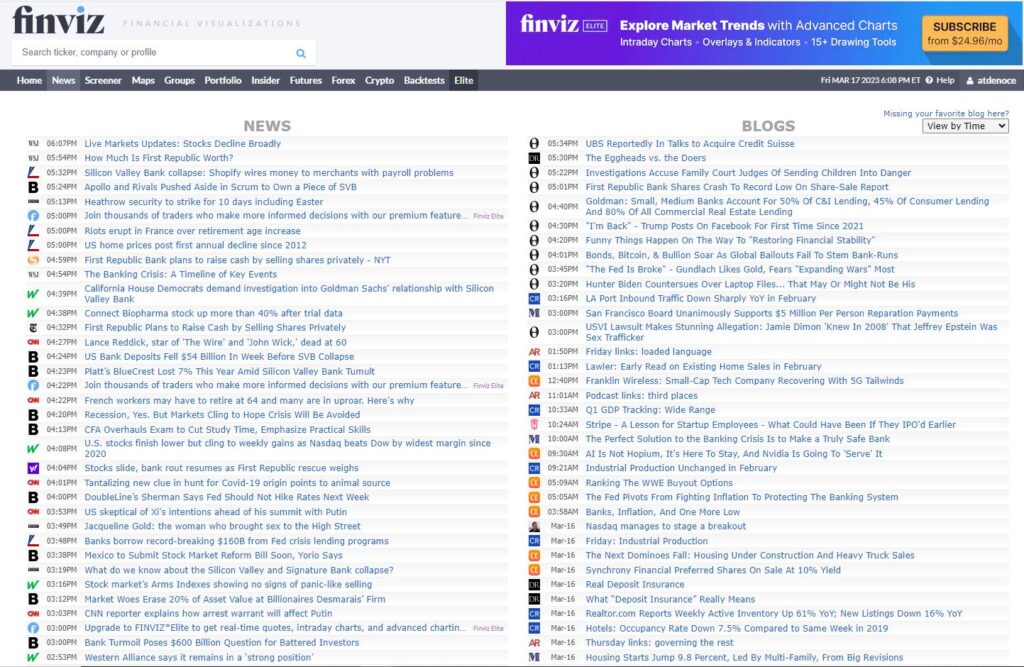
| News Feed | Yes | Yes |
| Backtesting | Yes | Yes |
| Paper Trading | Yes | Yes, via custom portfolios |
| Price | Limited Free Features/ 3 Paid Subscription Plans | Mostly Free with Elite Subscription Plan |
About the Services:
TradingView:
Both TradingView and Finviz are web-based platforms that deliver real-time market data, charting tools, news, and advanced trading features to traders and investors.
TradingView specializes in technical analysis and charting, offering an extensive range of customizable charting tools, drawing instruments, and indicators.
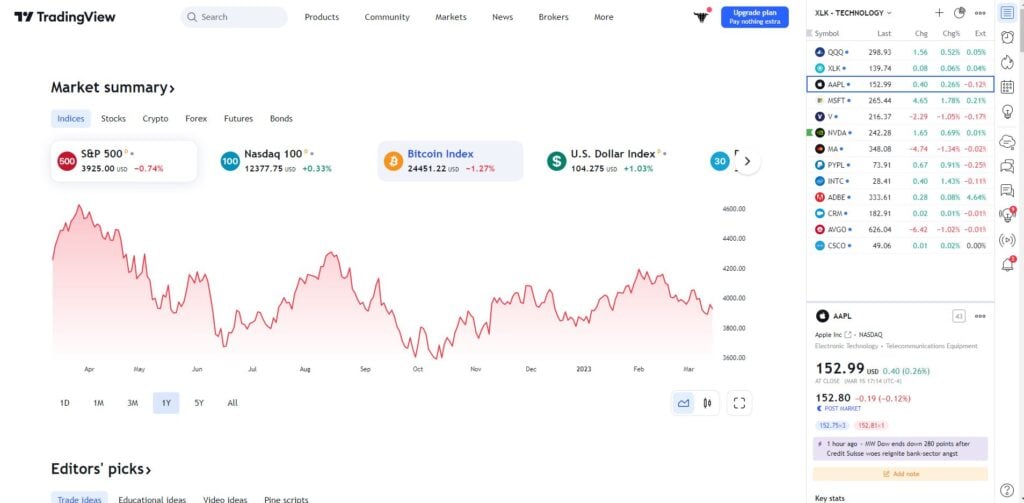
The platform also integrates social networking features, enabling traders to share insights, ideas, and charts with fellow traders.
TradingView delivers one of the market’s most comprehensive and intuitive charting services, featuring an extensive selection of chart types, technical indicators, drawing tools, and advanced functionality.
The platform also hosts a vibrant social community of traders and investors, where users exchange ideas, analyses, and strategies.
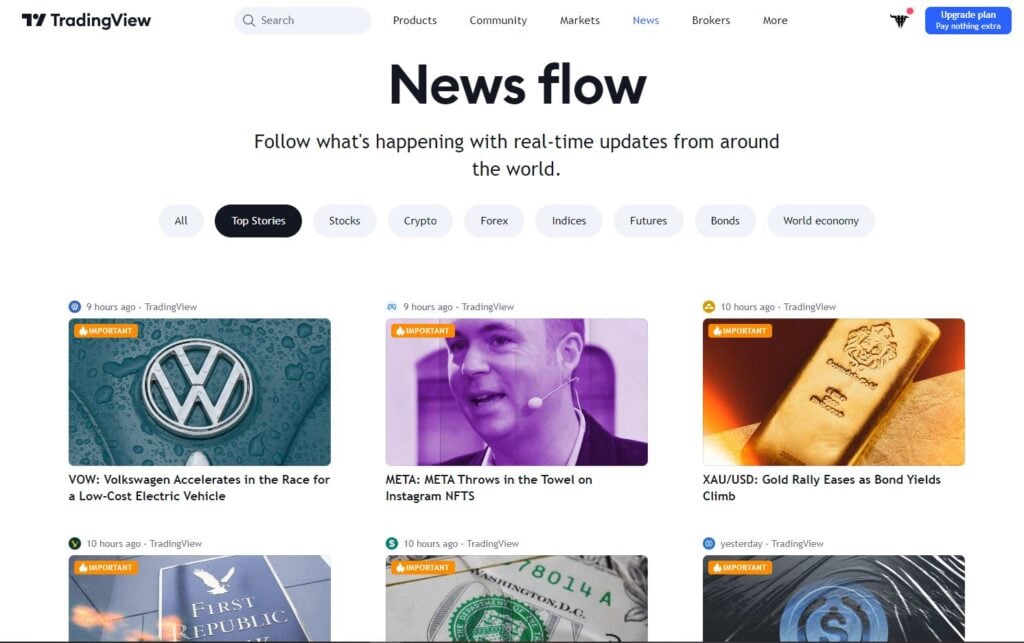
TradingView offers a free version with limited feature access, plus several paid plans that unlock advanced capabilities, including real-time data, multiple chart layouts, and customized alerts.
Finviz:
Finviz provides a comparable trading feature suite, including scanners, heatmaps, custom portfolios, insider trades, price charts, and market news, though with a less refined interface.
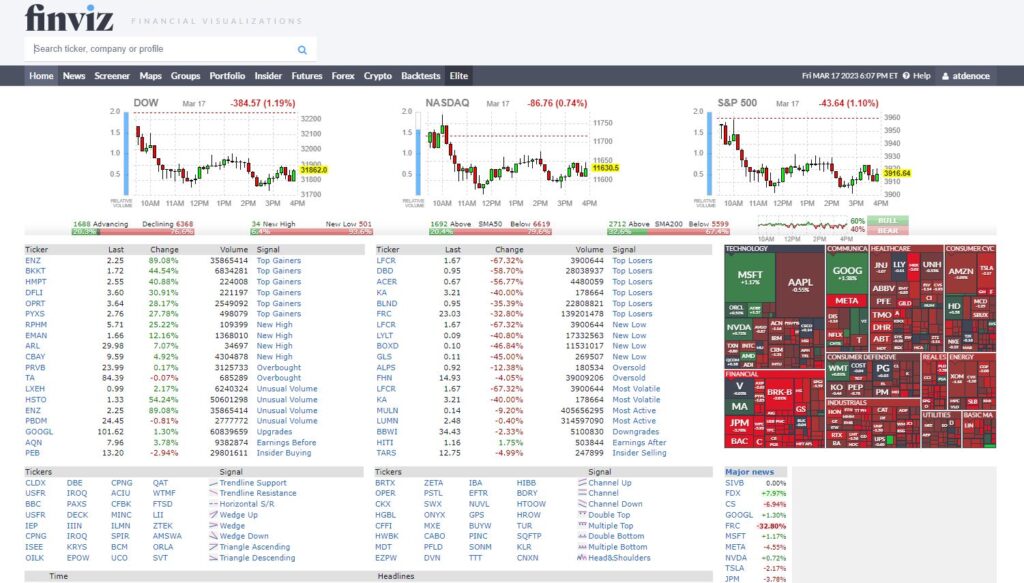

Nevertheless, it delivers a competitive selection of tools for sector analysis, criteria-based stock scans, and quick access to specialized heatmaps for futures, forex, and crypto markets.

Like TradingView, Finviz provides real-time news and analysis alongside advanced trading tools, though intraday data (among other features) requires the Elite plan–a restriction that also applies to TradingView’s free tier.
While most Finviz features remain free, traders should note that the Elite plan includes valuable capabilities like backtesting, real-time data, enhanced price charts, and several other premium features.
Platform Comparison
Similarities
TradingView and Finviz share numerous similarities, including advanced charting tools, real-time market data, backtesting capabilities, stock screeners, alerts, and heatmaps.
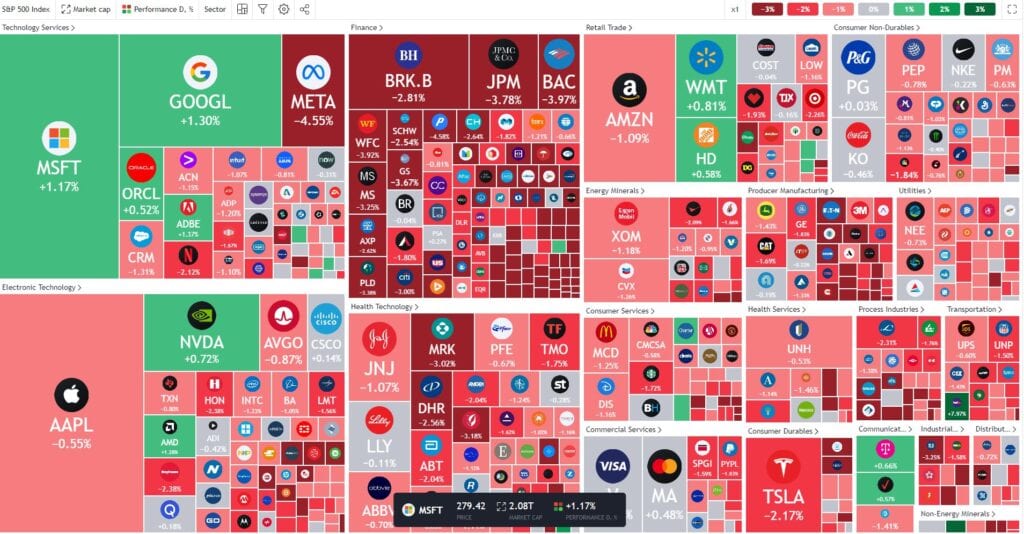
Both platforms excel in technical analysis, offering 100+ technical indicators and drawing tools to help investors and traders analyze market trends effectively.
Both services also provide fundamental analysis tools, market news, and access to financial data, earnings reports, and market analysis to support investment decisions.
Given these platforms’ substantial similarities, users should remember that either service will likely satisfy the vast majority of traders’ requirements as we examine their differences.
Differences
Charting Tools:
The most significant distinction between TradingView and Finviz lies in their charting capabilities.
TradingView delivers some of the market’s most visually appealing, extensive, and customizable charting tools, establishing it as the premier choice for technical analysis.
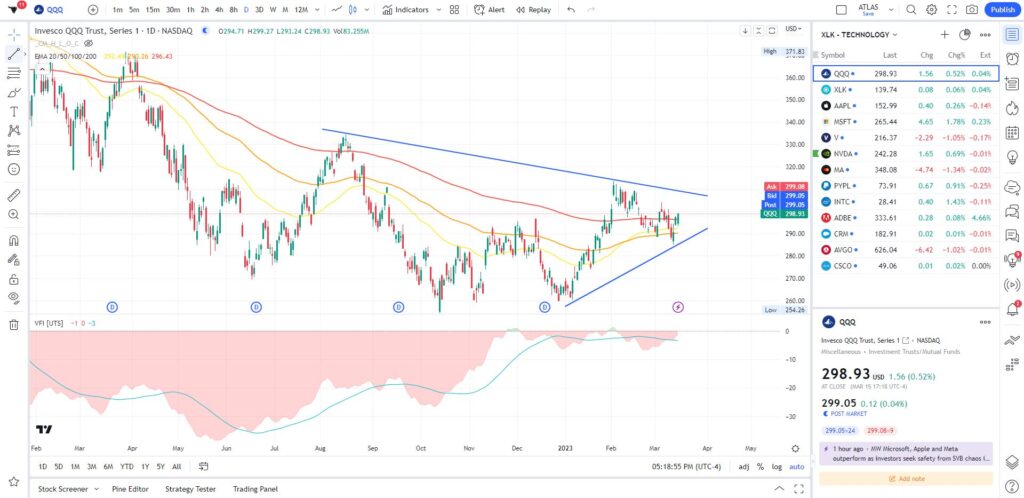
Finviz’s charting tools perform admirably for a free service, but they fall short of TradingView in design, customization options, and functionality.

However, Finviz’s Elite plan advanced charts offer much stronger competition. While no platform matches TradingView’s charting excellence, users shouldn’t overlook the impressive capabilities of Finviz’s advanced charts.
Screening Tools:
TradingView provides comprehensive and highly customizable screening tools that enable users to filter stocks based on diverse criteria, including technical indicators, fundamentals, and market capitalization.
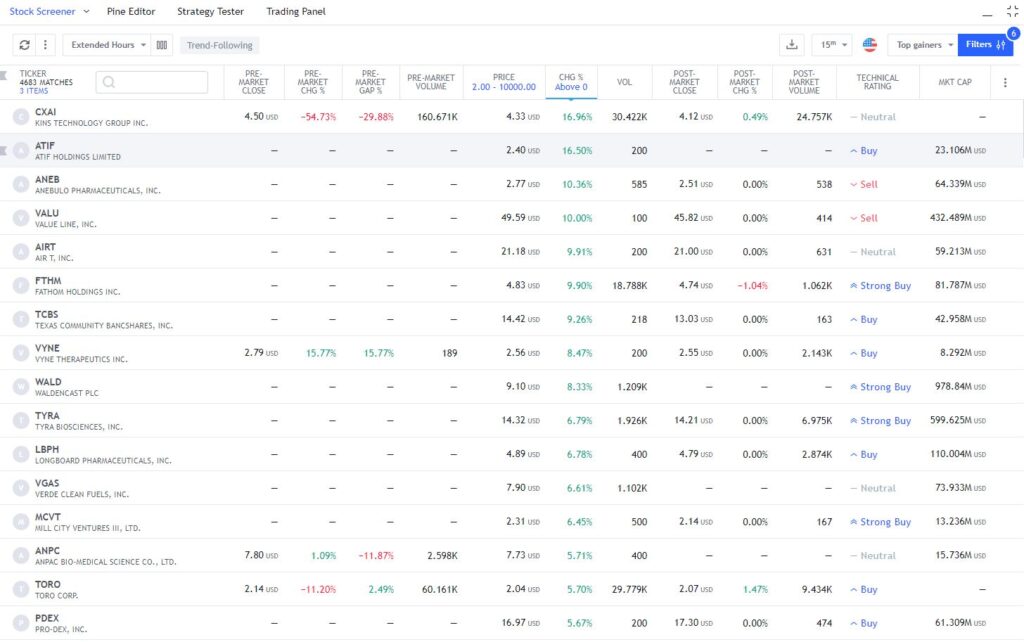
Finviz’s free screening tools are fairly extensive but lack customization depth, restricting traders’ ability to identify highly specific stocks.
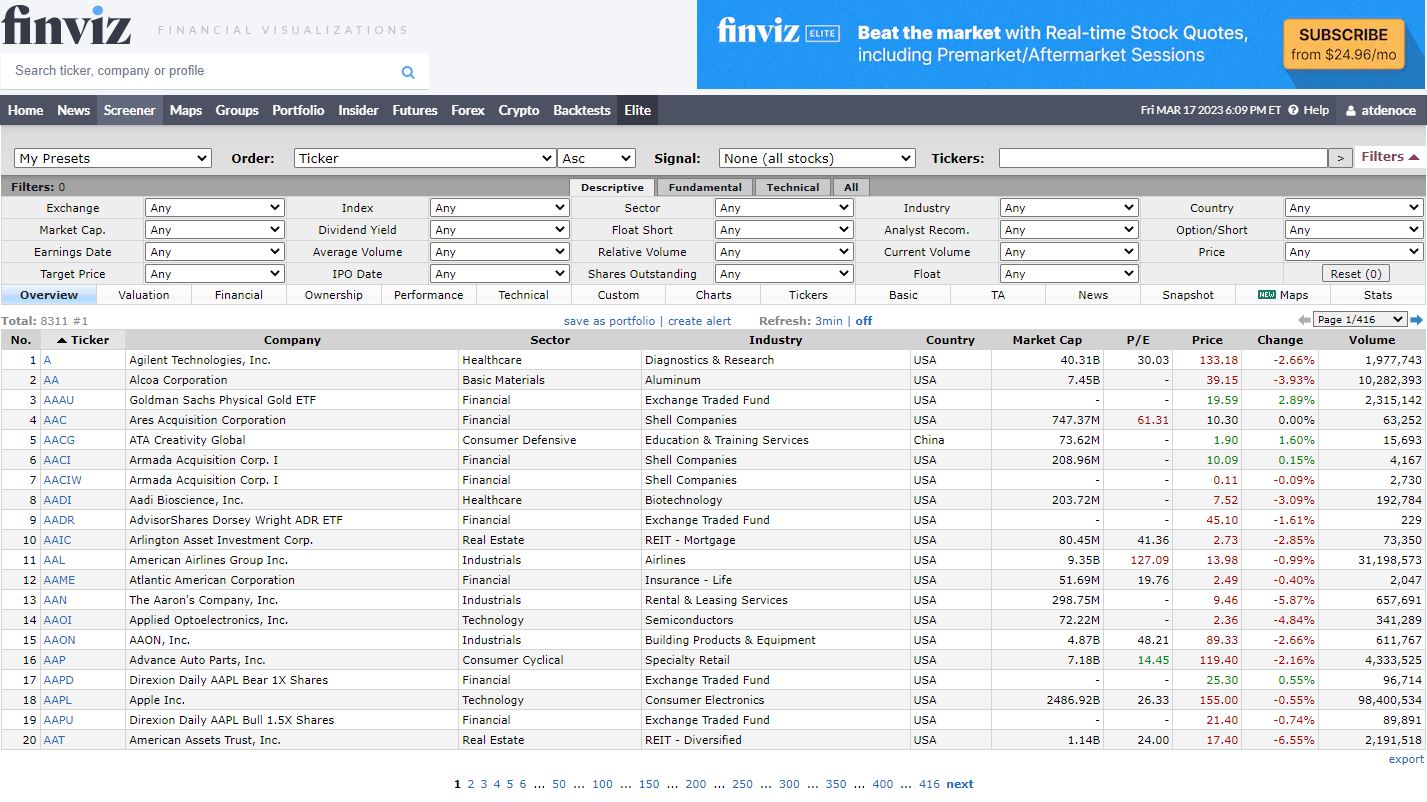
The Finviz Elite scanner, however, closely matches TradingView’s capabilities and may even surpass it through superior simplicity and graphics.
Ultimately, UI preference would likely determine the choice unless you favor Finviz’s limited free version.
Social Network:
TradingView boasts a more active and engaged trader community, facilitating peer interaction, idea sharing, and collaborative learning.

Conversely, Finviz offers minimal peer interaction, making it more suitable for independent traders.
Other Features:
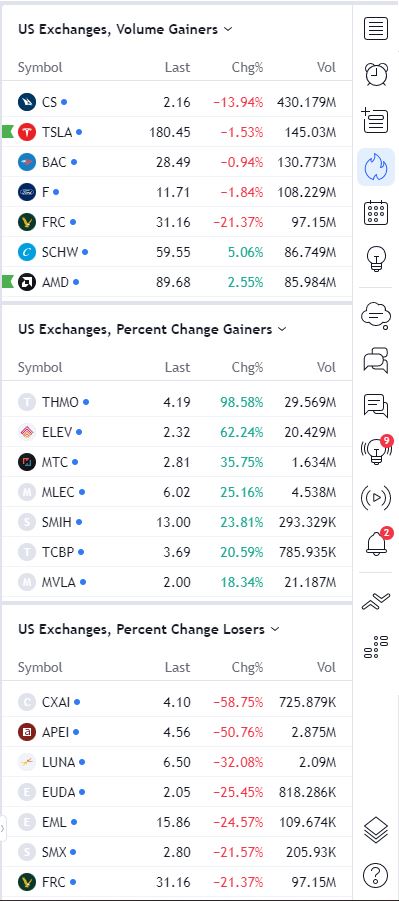
TradingView’s distinctive features include hotlists (market movers), broker integrations, multi-chart layouts, and mobile applications—all valuable tools for active traders.
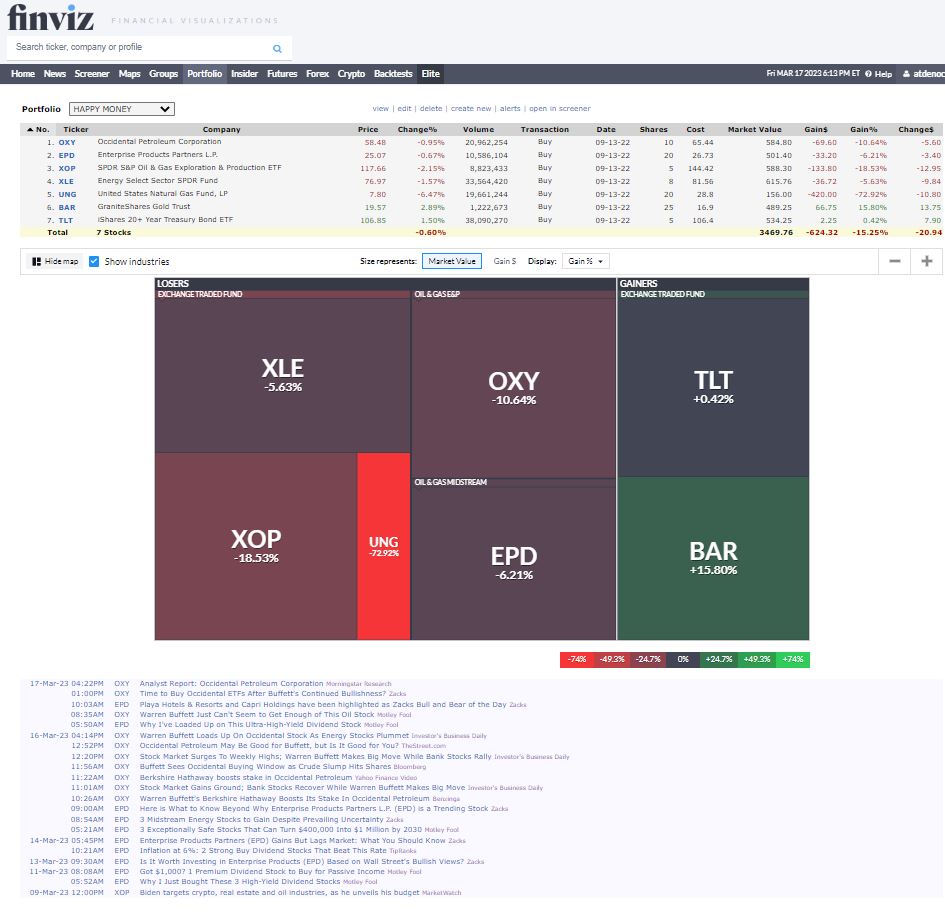
Finviz excels with its sector analysis, insider trading section, custom portfolios, and seamless heatmap access, features that stand out even against TradingView’s offerings.
Pricing:
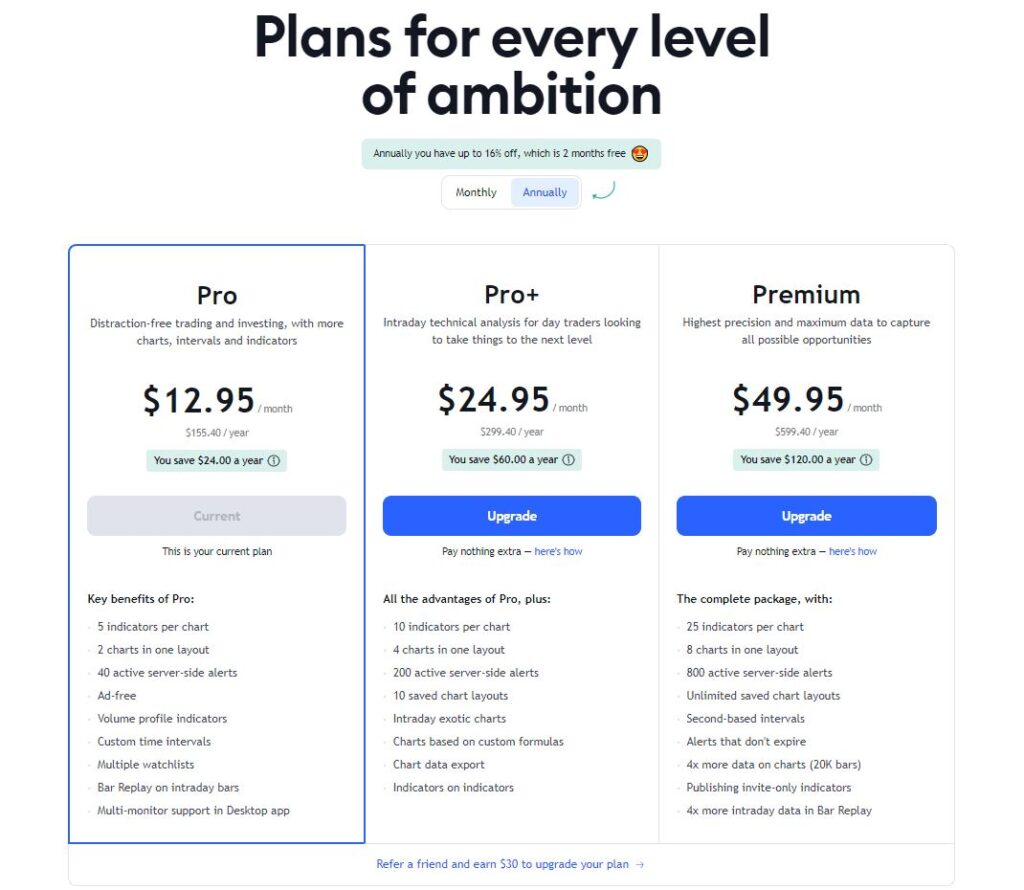
TradingView provides free features, including basic price charts, but its paid plans unlock the complete feature suite: real-time data, custom indicators, alerts, watchlists, and more.
TradingView’s paid plans begin at $12.95/month (Pro plan) when billed annually, with additional tiers at $24.95/month (Pro+) and $49.95 (Premium).
Finviz operates primarily as a free platform with a paid Elite version offering additional capabilities.
Elite features include real-time data, advanced charting tools, backtesting, alerts, correlations, and an enhanced screener, delivering substantial value for the investment.
Finviz Elite costs $24.96/month, making it most comparable to TradingView’s Pro+ plan.
Which Service is Better?
While the ultimate decision depends on individual needs and trading style, certain features will appeal to specific user types.
High-frequency traders requiring advanced charting tools and technical analysis features will likely find TradingView superior.
TradingView’s intuitive interface and social networking capabilities enable traders to navigate markets seamlessly while exchanging ideas with peers.
However, traders less focused on technical analysis or those seeking a free casual service may prefer Finviz.
TradingView suits active traders who demand extremely user-friendly and powerful charting tools, plus anyone interested in its robust community.
In contrast, Finviz appeals more to investors focused on stock screening, sector analysis, insider trading, or fundamentally-oriented features.
Finviz’s powerful screening tools, combined with fundamental data, sector analysis, insider activity tracking, and real-time news, make it an excellent investor choice.
Finally, TradingView provides desktop and mobile apps for iOS and Android devices, while Finviz lacks mobile options, limiting accessibility for mobile users.
Conclusion:
TradingView’s exceptional, customizable interface and large trader community make it attractive for both novice and experienced traders, particularly those favoring technical analysis.
While Finviz’s interface lacks TradingView’s visual appeal, it remains extremely navigable. Most importantly, Finviz’s features are predominantly free—a major advantage for many traders.
Ultimately, both platforms provide exceptionally advanced market tools, so you can’t make a wrong choice. Thoroughly explore each platform to determine which best meets your specific trading or investing requirements.
TradingView Key Features:
- Wide range of customizable charting tools, drawing tools, indicators, watchlists, and alerts
- Active social community of traders and investors to share ideas, analyses, and strategies
- Comprehensive screening tools that allow users to screen stocks based on technical indicators, fundamentals, and market capitalization
- Offers both free and paid plans, with the latter providing access to additional features like real-time data, custom indicators, and a whole host of advanced capabilities
- Top-notch market news feeds, economic calendars, heatmaps, and more accessible via web, mobile app, or desktop app
Finviz Key Features:
- Comparable suite of services to TradingView, including scanners, heatmaps, custom portfolios, charts, indicators, and market news
- Comprehensive screening tools to search for stocks based on specific criteria, quickly track different sectors and asset classes, and even backtest ideas
- Largely free platform with a paid Elite version that offers additional features, including real-time data, advanced charting tools, backtesting, alerts, correlations, and a more advanced screener
- Custom portfolios, sector analysis tools, insider trading activity, and quick access to different markets, including futures, forex, and crypto
- Ideal for investors who are looking to screen and scan the market for potential investments